Pet Cameras and Monitoring at Home
A practical, non-sponsored guide to pet cameras: use cases, helpful features, privacy, placement, why a camera is not a care substitute, and budget tiers.
An independent educational guide, not a veterinary consultation. Sources, illustrations & editorial standards
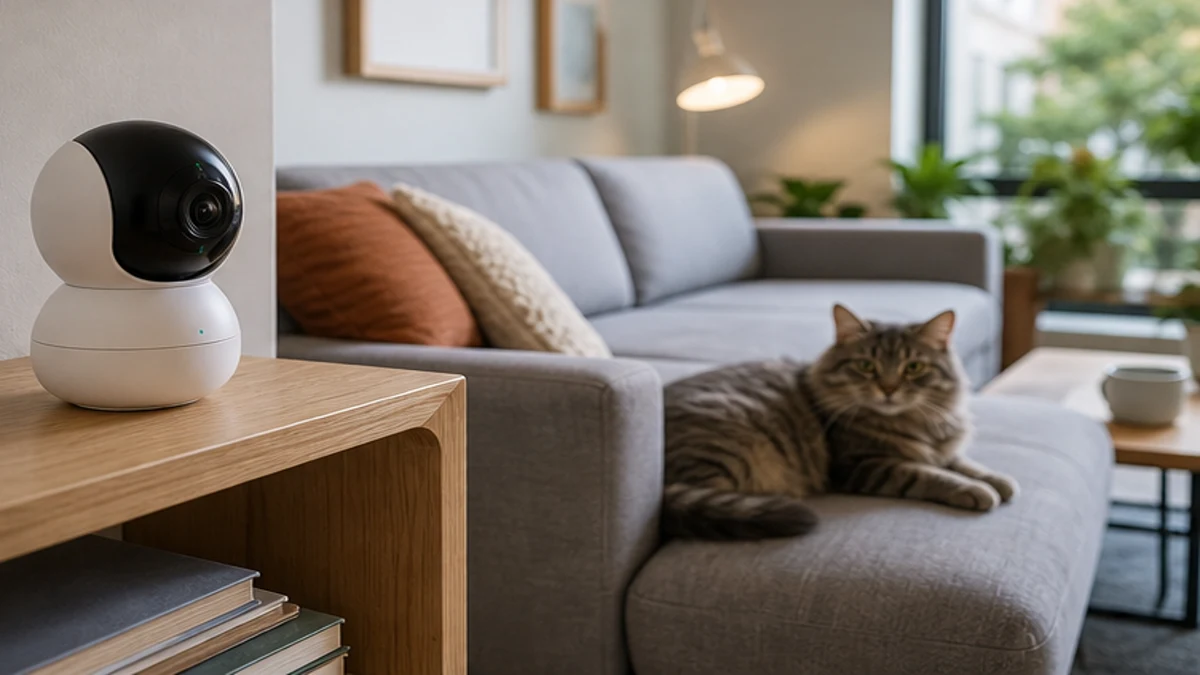
A pet camera is one of the most reassuring purchases a new owner can make. It lets you check that the puppy is napping instead of eating the sofa, catch the cat’s mystery nighttime zoomies, or spot early signs of separation anxiety. But a camera is a tool with limits, and buying the wrong one — or expecting it to replace care — leads to disappointment. This guide covers when a camera helps, which features matter, privacy and security, where to place it, why it is not a substitute for real care, and how to think about budget tiers without brand hype.
When a pet camera actually helps
A camera is most useful in a handful of clear situations.
Separation anxiety and alone time
If your dog barks, paces, or destroys things when left alone, a camera tells you what is really happening and when it starts. That evidence helps a trainer or vet plan, because you can show the exact behavior rather than guess. For mild cases, two-way audio lets you speak calmly to reassure the pet — though for true anxiety, audio alone is not treatment.
Puppy and kitten proofing
Young animals get into trouble fast. A camera lets you confirm the pup is in its pen, not chewing a cord, and lets you time your check-ins. For a new kitten, you can verify the litter box is being used and that the baby is eating.
Training feedback
Watching a recorded session shows you what your pet does the moment you leave, which is gold for behavior work. You may learn the mischief starts at the door, not after an hour, and adjust accordingly.
Peace of mind
Sometimes the value is simply seeing a happy animal asleep. For a first-time owner, that reassurance is real and worth something.
Features that matter
Not every spec on the box is useful. The ones worth paying attention to:
- Live view and reliable app: the core feature; it must connect steadily, not drop every few minutes.
- Two-way audio: talk to and hear your pet; handy, though some pets find the disembodied voice odd.
- Motion or sound alerts: get pinged when something moves or barks, so you are not staring at a still screen.
- Night vision or low-light: pets are active when the lights are off; infrared view matters.
- Treat toss or laser: fun engagement features, but gimmicks if your pet ignores them.
- Secure cloud or local storage: clips you can review and share with a trainer or vet.
- Wide-angle or pan-tilt: covers a room without mounting several units.
Avoid paying for features your pet will never use. A treat dispenser is useless for a cat that won’t approach it, and a laser means nothing to a senior dog.
Privacy and security
A camera is a camera, and most pet cams stream over the internet. Treat it seriously:
- Choose a device from a maker with a clear privacy policy and a history of security updates.
- Set a strong, unique password; the default login is the most common breach point.
- Enable two-factor authentication if offered.
- Position the camera to watch the pet’s area, not private spaces like bedrooms or windows into neighbors’ homes.
- Keep the app and firmware updated so known flaws are patched.
- If you rent, be clear with housemates about any camera inside shared living spaces.
A pet camera should watch the dog, not become a household surveillance quarrel. Be thoughtful about where it points.
Where to place it
Placement decides whether the camera earns its keep.
- Mount it at a height that sees the pet’s main hangout and any trouble zone (the door, the couch, the pen).
- Cover the room’s floor, where most pet action happens, rather than the ceiling.
- Keep it near power and stable Wi-Fi; a dead spot means a dead camera.
- For a crate or pen, a close side view beats a far corner shot.
- Avoid direct sun on the lens and keep it out of reach of a pet that might knock or chew it.
- For multi-room homes, one good camera in the main area often beats three weak ones.
Test the view on your phone before you leave the pet alone with it; what looks fine in person may miss the corner where the trouble starts.
A camera is not a substitute for care
This point is worth stating plainly. A camera watches; it does not walk, feed, or comfort your pet. It cannot stop a fire, free a tangled animal, or respond to illness. Relying on a camera instead of real care is a mistake:
- A dog with separation anxiety needs training and sometimes veterinary help, not just a camera to watch it suffer.
- A pet left for unsafe lengths because “the camera shows it’s fine” is still left alone too long.
- Emergencies — choking, a fall, a heat spike — need a person present or a rapid response plan, not footage after the fact.
- Kittens and puppies need social time and supervision that no lens provides.
Use the camera to inform your care, not to replace it. If the camera reveals a problem, the fix is in the real world: more exercise, a sitter, a trainer, a vet visit.
Budget tiers, without the hype
You do not need the priciest model, and the cheapest often frustrates. Think in tiers:
- Basic tier: a simple live-view cam with motion alerts and night vision. Enough to check in and get pinged. Good for most new owners who mainly want reassurance.
- Mid tier: adds two-way audio, clearer video, better storage, and steadier software. Worth it if you are actively training or managing anxiety.
- Premium tier: treats, pan-tilt, high resolution, smart tracking. Choose only for features your specific pet will use, not the spec sheet.
The honest advice: buy based on the one or two features you will actually use, confirm the app is reliable, and secure it well. A mid-tier cam used wisely beats a premium one left unconfigured.
A sensible setup
Start with one reliable camera covering the main living area or the pen, set strong credentials, and place it where it sees the floor. Use alerts to learn your pet’s alone-time patterns, then act on what you learn — more enrichment, a midday walker, a vet consult for anxiety. The camera’s job is to make the invisible visible so your care gets smarter. It is a window, not a watcher; the caring is still yours to do. Review your clips weekly at first — patterns you notice in the first month, a bark that starts at the door, a cat that hides at noon, guide the changes that actually improve your pet’s day. If you ever share camera access with a sitter or family member, revoke it when the arrangement ends so old logins do not linger.
PawPals provides educational content for new pet parents. We are not a veterinary practice, and this article is not a substitute for a veterinarian’s diagnosis or treatment. If your pet shows signs of illness, contact a licensed veterinarian.
Related reading
Pet Gear Worth Buying First on a Tight Budget
A priority list for new dog and cat owners: what protects safety and daily care first, and what can wait until later.
Read the guideChoosing a Carrier for Travel and Vet Visits
A practical, non-sponsored guide to hard vs soft carriers, sizing, ventilation, top-loading designs, acclimation, car safety, and airline rules.
Read the guideCat Trees and Scratching Posts Explained
A practical, non-sponsored guide to why cats need vertical space, choosing height and stability, sisal vs carpet, placement, and multi-cat sizing.
Read the guideThis article is for education only and is not a substitute for a veterinarian's diagnosis. If your pet shows unusual symptoms, see a vet.